
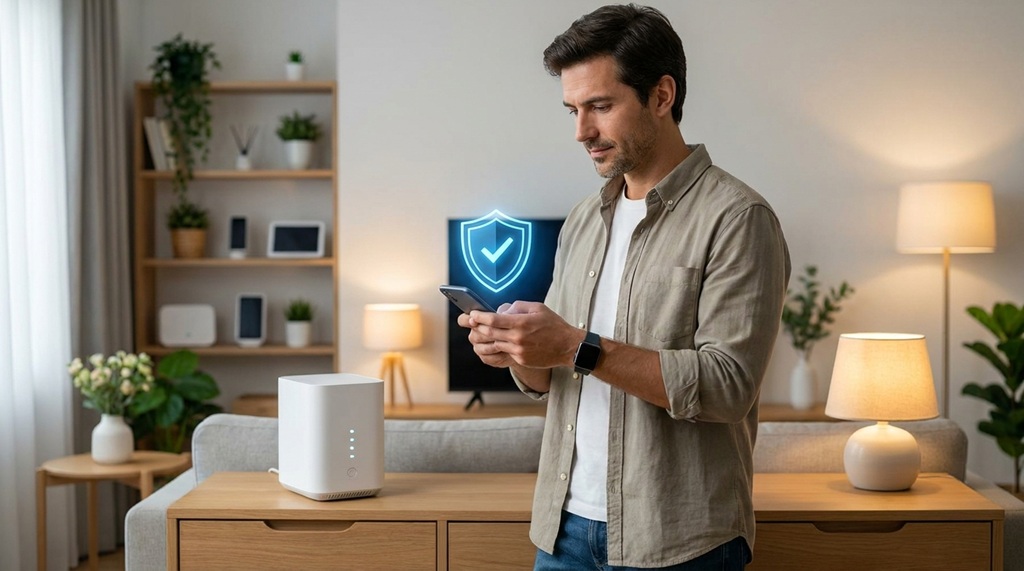
Hackers target smart home devices because most owners never change the default settings. You can close that gap today. Update your router, set strong passwords, isolate your devices, and turn on two-factor authentication. These four moves block most attacks.
Smart homes are convenient. They also open new doors for criminals. Every smart bulb, camera, and speaker connects to your network. Each one is a possible entry point. A weak device can expose your whole home.
This guide breaks down exactly how to lock things down. You don’t need to be a tech expert. You just need to follow the steps below.
Why Smart Home Devices Are Easy Targets
Smart home devices are easy targets because manufacturers prioritize convenience over security. Many ship with default passwords like “admin” or “1234.” Few users ever change them.
These devices also run on small, low-cost chips. Vendors often skip regular security updates to save money. That leaves old bugs unpatched for years. Hackers know this. They scan the internet for exposed devices using automated tools.
Once a hacker gets into one weak device, they can move sideways across your network. A hacked smart plug can become a launching pad. From there, an attacker can reach your laptop, your router, or your home cameras.
Common Entry Points in a Smart Home
- Default passwords: Many devices never get a new login after setup.
- Outdated firmware: Old software often has known, unpatched flaws.
- Weak Wi-Fi encryption: Older routers may still use outdated protocols.
- Unsecured mobile apps: Some companion apps store data without encryption.
Secure Your Wi-Fi Router First
Your router is the front door to your smart home. Secure it before you secure anything else. Every device you own connects through it, so a weak router puts everything at risk.
Start by changing the default admin username and password. Most routers ship with credentials printed in the manual, and those are public knowledge to hackers. Next, turn on WPA3 encryption if your router supports it. If not, use WPA2 as the minimum standard.
Update your router’s firmware regularly. Many routers now do this automatically, but it’s worth checking the settings page once a month. An outdated router firmware is one of the most common causes of home network breaches.
Create a Separate Network for Smart Devices
Most modern routers let you create a guest network or a separate VLAN. Put your smart devices on this second network instead of your main one. This step limits the damage if one device gets hacked.
Keep your laptops, phones, and work devices on the primary network. Put your smart bulbs, plugs, and cameras on the guest network. If an attacker breaks into a smart plug, they still can’t reach your personal files.
Use Strong, Unique Passwords for Every Device
Weak passwords are the number one reason smart devices get hacked. A strong password is your simplest defense, and it costs nothing to set up.
Avoid reusing the same password across multiple devices. If one account gets breached, hackers will try that same password everywhere else. Use a password manager to generate and store unique passwords for each device and app.
Aim for at least twelve characters, mixing letters, numbers, and symbols. Skip common words and personal details like birthdays or pet names. These are the first things attackers guess.
Turn On Two-Factor Authentication Everywhere
Two-factor authentication (2FA) adds a second lock to your accounts. Even if a hacker steals your password, they still can’t get in without the second code. Most smart home apps now support this feature.
Enable 2FA on your router’s admin account, your smart home hub, and any app tied to your cameras or locks. Use an authenticator app instead of SMS codes when possible. SMS can be intercepted through SIM-swapping attacks, while app-based codes are harder to steal.
This one setting blocks a huge share of account takeover attempts. According to industry experts, most successful account breaches involve stolen or reused passwords alone, without any second layer of defense.
Keep Firmware and Software Updated to Eliminate Critical Vulnerabilities
Outdated firmware represents one of the most severe security liabilities within a smart home ecosystem, as unpatched software leaves known system bugs exposed to exploitation. While manufacturers regularly release security patches to resolve these technical flaws, these updates only safeguard your infrastructure if they are actively applied. To maintain a resilient defense, conduct monthly checks across every connected application to ensure no critical patches are pending, and enable automated updates whenever the device permits. Furthermore, legacy hardware that has reached its end-of-life support should be systematically decommissioned; a device no longer receiving security maintenance acts as a permanent entry point for threat actors. Establishing a secure network requires continuous vigilance at home, but maintaining proactive defense also demands foresight—to anticipate emerging hardware vulnerabilities and evaluate risks early, learn track new tech trends before they go mainstream before adopting new devices into your automated ecosystem.
A Quick Update Checklist
- Check your router firmware once a month.
- Update companion apps as soon as new versions appear.
- Review each smart device’s settings page for pending updates.
- Replace devices that no longer receive security patches.
Limit What Your Devices Can Access
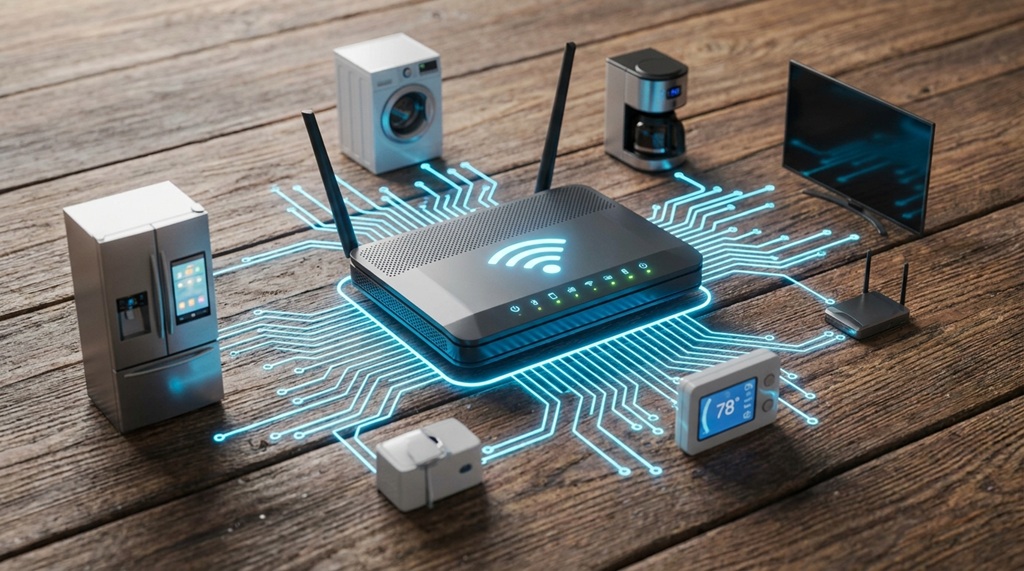
Most smart home apps request more data access than they actually need. A smart speaker doesn’t need access to your contacts. A smart bulb doesn’t need your location history.
Go through each app’s permissions and turn off anything unnecessary. This reduces what a hacker can steal if they breach that app. It also limits what the manufacturer itself can collect and sell.
Disable microphones and cameras on devices when you’re not using them, especially in bedrooms and home offices. Many smart speakers and cameras include a physical mute switch. Use it when the device isn’t actively needed.
Watch for Unusual Device Behavior
A hacked device often behaves strangely before you notice anything is wrong. Watch for slow internet speeds, devices turning on or off by themselves, or unfamiliar devices showing up on your network map.
Check your router’s connected-devices list every few weeks. Most router apps show every device currently connected to your Wi-Fi. If you spot a device you don’t recognize, disconnect it immediately and change your Wi-Fi password.
Set up alerts if your router or security app supports them. Many modern routers can notify you the moment a new device joins the network. This gives you a chance to catch intruders early, before they cause real damage.
Frequently Asked Questions
Are smart home devices really at risk of being hacked?
Yes. Security researchers regularly find smart devices exposed online with weak or default passwords. Cameras, smart locks, and routers are the most commonly targeted because they control physical access to your home.
Do I need antivirus software for a smart home network?
Traditional antivirus software doesn’t run on most smart devices, since they use closed operating systems. Instead, focus on router-level security, strong passwords, and network segmentation, since these steps protect the whole system rather than a single device.
How often should I update my smart home devices?
Check for updates at least once a month, or turn on automatic updates where available. Firmware updates often patch serious security holes, so delaying them leaves your devices exposed longer than necessary.
Is a guest network enough to protect my smart devices?
A guest network helps a lot, but it isn’t a complete solution on its own. Pair it with strong passwords, two-factor authentication, and regular firmware updates for the best protection.
What should I do if I think a device has been hacked?
Disconnect the device from your network right away. Change your Wi-Fi password, update the device’s firmware, and reset it to factory settings before reconnecting it to your network.
Final Thoughts
Securing your smart home doesn’t require expert-level skills. It requires consistent habits. Change default passwords, separate your networks, and keep everything updated.
Start with your router today, since it protects every other device you own. Then work through your smart devices one by one. A little effort now can prevent a much bigger problem later.

Leave a Reply