
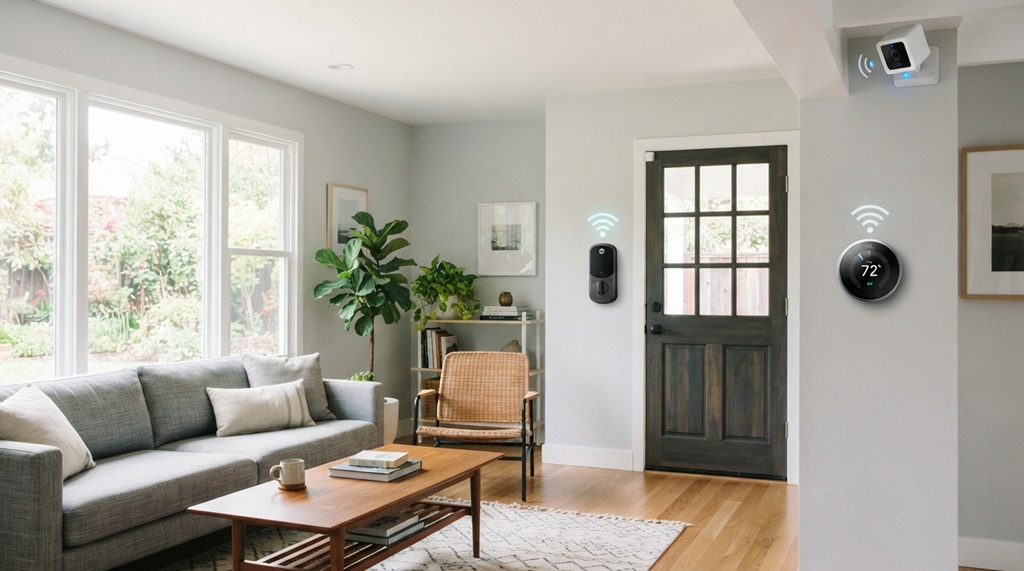
You secure your smart home by locking down your router, updating device firmware, and controlling who and what can access your network. That’s the short answer. The longer answer takes a bit more work, but it’s not complicated.
Smart homes are convenient. They also open new doors for hackers. Every smart bulb, camera, or speaker is a small computer. Each one connects to the internet. Each one can be a weak point if you don’t set it up correctly.
This guide walks you through the real risks smart homes face today. Then it gives you clear steps to fix them. No jargon. No fear-mongering. Just practical advice you can use this weekend.
Why Smart Homes Are a Bigger Security Target Than You Think
Smart homes attract hackers because they offer many entry points, not just one. A traditional home has a front door and a back door. A smart home has a dozen digital doors your router, your cameras, your thermostat, your smart lock, and more.
Each device runs its own software. Each one can have its own bugs. According to industry experts, many smart home breaches don’t come from sophisticated hacking. They come from simple mistakes: default passwords, outdated firmware, or devices left exposed to the open internet.
High-Risk Smart Home Entry Points
Hackers naturally target the path of least resistance, routinely exploiting vulnerable hardware like smart cameras and baby monitors with weak default logins, smart locks that govern physical access, central routers serving as network gateways, voice assistants, and cheap smart plugs that are easily forgotten during routine software updates. Once a single compromise occurs, an attacker can move laterally across your entire network, which makes pre-purchase scrutiny essential you should learn how to check tech device specs like an expert buyer to verify firmware update guarantees and hardware encryption standards before adding any new equipment to your home ecosystem.
Secure Your Router First It’s the Front Door to Everything
Your router is the single most important device to secure. Every smart gadget in your home connects through it. If someone breaks into your router, they can potentially see or control everything connected to it.
Start with these steps:
- Change the default admin password. Most routers ship with a generic login like “admin/admin.” Hackers know this.
- Update the firmware. Router makers release patches for known bugs. Set updates to run automatically if your router supports it.
- Use WPA3 encryption if your router offers it. If not, use WPA2 at minimum. Never use WEP it’s outdated and easy to crack.
- Rename your network (SSID). Avoid names that reveal your identity or router model.
- Disable remote management unless you specifically need it. This closes a door that many people forget is open.
A secure router doesn’t guarantee full protection. But it removes the easiest entry point for most attackers.
Create a Separate Network for Smart Devices
Smart devices should live on their own network, separate from your laptops and phones. This is one of the most effective and most overlooked smart home security tips.
Most modern routers support a “guest network” feature. Instead of using it just for visitors, dedicate it to your smart devices. This creates a barrier. If a smart bulb gets hacked, the attacker still can’t reach your personal laptop or banking apps on the main network.
How to Set This Up
- Log into your router’s settings page.
- Look for “Guest Network” or “IoT Network.”
- Create a new network with a strong, unique password.
- Connect all smart home devices to this network instead of your main Wi-Fi.
This single step limits the damage a compromised device can cause. It’s a step most guides skip, but it makes a real difference.
Keep Every Device’s Firmware and App Updated
Outdated firmware is one of the most common causes of smart home breaches. Manufacturers regularly patch security holes, but those patches only work if you install them.
Many people set up a smart device once and never open its app again. That’s a mistake. Updates often fix real vulnerabilities, not just add new features.
Simple Habits That Keep You Protected
- Turn on automatic updates wherever the option exists.
- Check each smart home app once a month for pending updates.
- Remove devices you no longer use an unused device still connects to your network and can still be attacked.
- Check the manufacturer’s website for older devices that may no longer receive updates. If support has ended, consider replacing the device.
A five-minute monthly check can prevent a much bigger problem later.
Use Strong, Unique Passwords and Enable Two-Factor Authentication
Weak passwords remain one of the top causes of smart home hacks. Default passwords like “1234” or “password” are still common and still easy to guess.
Every smart device and its companion app should have its own strong password. Reusing the same password across devices means one breach can expose everything.
Practical Password Tips
- Use a password manager to generate and store unique passwords for each device.
- Enable two-factor authentication (2FA) on every app that offers it, especially cameras and smart locks.
- Avoid using personal information birthdays, pet names, addresses in any password.
- Change default passwords immediately after setup, not “later.”
Two-factor authentication adds a second checkpoint. Even if a hacker steals your password, they still can’t get in without your phone or authentication app.
Review App Permissions and Data Sharing Settings
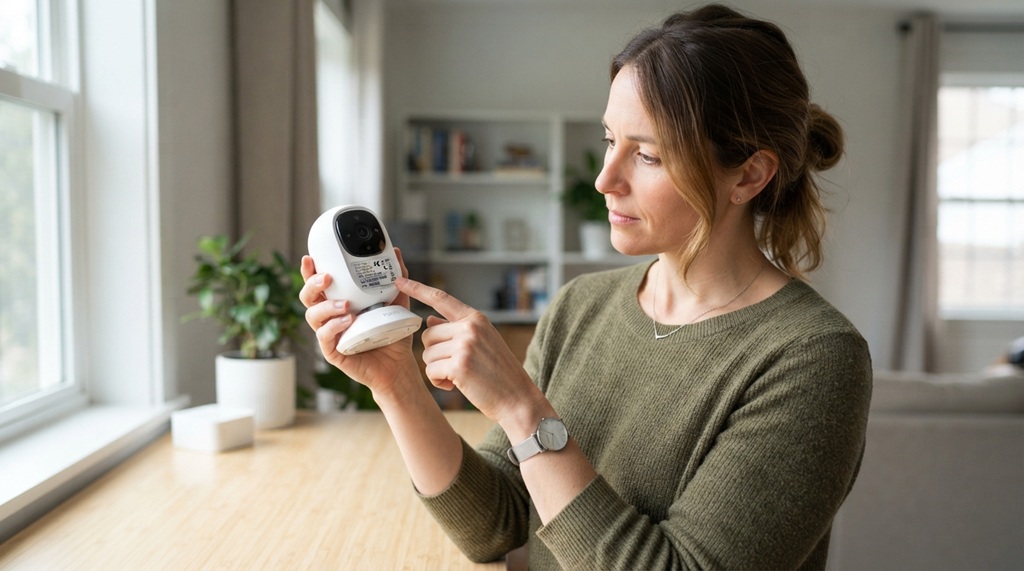
Many smart home apps collect more data than they need. Reviewing permissions regularly helps limit what a hacker or the company itself can access if something goes wrong.
Go through each app connected to your smart home and check what it can access: location, microphone, camera, contacts. Turn off anything the app doesn’t genuinely need to function.
Also check the manufacturer’s privacy policy. Some companies share data with third parties for advertising. If privacy matters to you, choose brands with clear, transparent data practices.
Watch for Warning Signs of a Compromised Smart Home
Knowing the warning signs helps you catch a breach early, before it causes real damage. Most smart home hacks don’t announce themselves loudly. They show up as small, easy-to-dismiss oddities.
Watch for:
- Devices turning on or off without you triggering them
- Unusual spikes in your internet data usage
- Login attempts from unfamiliar locations (check your app’s activity log)
- Cameras or microphones activating on their own
- Your smart assistant responding to commands you didn’t give
If you notice any of these, change your passwords immediately, update firmware, and check your router’s connected-device list for anything unfamiliar.
Frequently Asked Questions
Is it safe to use smart home devices at all?
Yes, smart home devices are generally safe when set up correctly. The real risk comes from skipped basics default passwords, outdated firmware, or an unsecured router. Following the steps in this guide reduces your risk significantly.
Do cheap smart home devices pose a bigger security risk?
Often, yes. Budget devices sometimes cut costs by skipping regular security updates or by using weaker default protections. It’s worth checking a brand’s update history and reviews before buying, especially for cameras and locks.
Can someone hack my smart home through my Wi-Fi alone?
Yes, an unsecured Wi-Fi network is one of the most common entry points. That’s why securing your router and using a separate network for smart devices matters so much they close off the easiest path in.
How often should I update my smart home devices?
Check for updates at least once a month, and turn on automatic updates wherever possible. Some critical security patches get released without much notice, so automation is the safest habit.
Do I need antivirus software for a smart home?
Traditional antivirus software doesn’t usually run on smart devices themselves. Instead, focus on router-level security, network segmentation, and strong passwords. Some routers now offer built-in network security features that monitor for suspicious activity across all connected devices.
Conclusion
Securing your smart home doesn’t require expert-level tech skills. It requires a handful of good habits: a locked-down router, a separate network for smart devices, regular updates, and strong, unique passwords. Each step closes off one more way a hacker could get in.
Start with your router today. Then work through the rest of this list over the next week. Small, consistent steps add up to a smart home that’s genuinely secure not just convenient.

Leave a Reply