
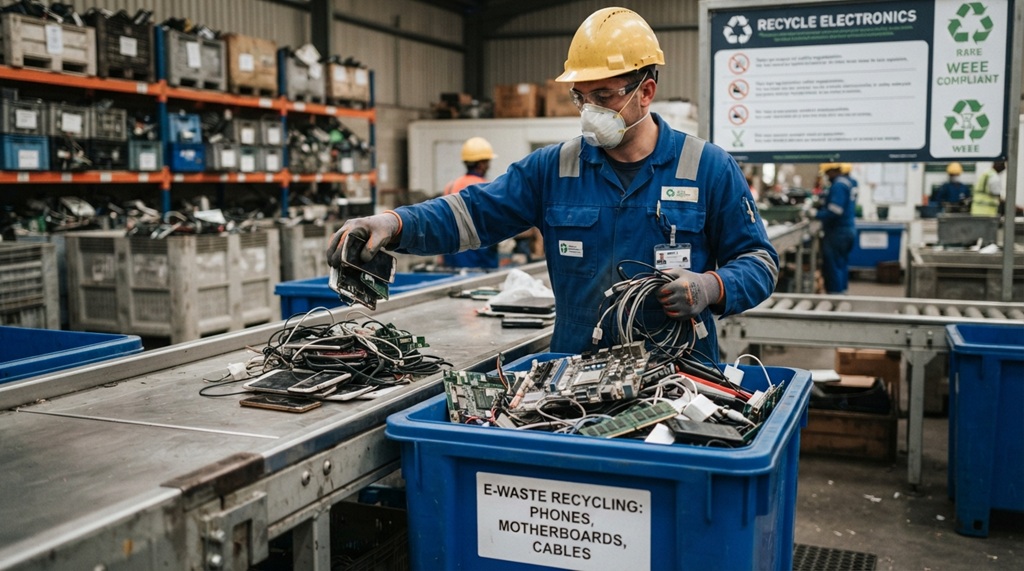
You can recycle old electronics safely by using certified e-waste recyclers, wiping your personal data first, and avoiding regular trash bins. Old phones, laptops, and TVs contain toxic materials like lead and mercury. They also hold valuable metals that deserve a second life instead of a spot in a landfill.
Most people don’t toss old electronics on purpose. They just don’t know where to take them. That old router in your drawer or the cracked phone in a box isn’t just clutter. It’s a small environmental and security risk sitting in your home.
This guide walks you through the entire process. You’ll learn why proper disposal matters, how to prepare your devices, where to take them, and what happens after you drop them off.
Why You Should Never Throw Electronics in the Trash
Electronics contain hazardous materials that can leak into soil and water when they end up in a landfill. Old TVs and monitors often contain lead. Batteries contain lithium or cadmium. Circuit boards contain small amounts of mercury and other heavy metals. When these materials break down in a landfill, they can contaminate groundwater and harm local ecosystems.
Many regions also have laws against it. A growing number of states and countries now classify electronics as hazardous waste. This means you can’t legally put them in your curbside bin. Fines for violating e-waste laws vary by location, so it’s worth checking your local regulations before you toss anything.
The Hidden Value Inside Your Old Devices
Your old gadgets aren’t just trash they’re a source of recoverable material. According to industry experts, electronics contain measurable amounts of gold, silver, copper, and other metals that recyclers can extract and reuse. This is why e-waste recycling has grown into a real industry, not just an environmental afterthought.
Recovering these materials also reduces the need for new mining. Mining for metals like copper and gold has a heavy environmental footprint. Recycling existing supply is a smarter, cleaner alternative.
Essential Device Preparation Steps Before Recycling
Before handing off your old technology, properly sanitizing and preparing each device is a critical step that safeguards your sensitive personal data and streamlines the entire recycling process. Most people overlook this phase, risking identity theft and data leaks by turning in active, fully loaded hardware. To transition smoothly to your next upgrade, take time to wipe your hard drives, unlink cloud accounts, and perform a total factory reset; once your data is secure, you can explore to track gadget price drops and never overpay again to secure the best value on a replacement device.
Back Up and Wipe Your Data
Before you let go of any device, back up anything you want to keep. Then erase the device completely. A factory reset removes most visible data, but it doesn’t always erase everything at a deeper level. For extra peace of mind, use a dedicated data-wiping tool designed for your device type.
Here’s a quick checklist:
- Back up photos, documents, and contacts to the cloud or an external drive
- Sign out of all accounts (email, social media, app stores)
- Remove the device from “Find My” or similar tracking services
- Perform a full factory reset
- Remove SIM cards and memory cards
Remove Batteries When Possible
Some devices allow you to remove the battery before recycling. Do this if you can, since batteries often need separate handling. Lithium batteries can be a fire risk if damaged or crushed during transport. If your device has a built-in battery, most certified recyclers know how to handle it safely, so you don’t need to attempt removal yourself.
Where to Recycle Old Electronics Near You
You have several reliable options, and the best one depends on your device and location. Choosing a certified recycler ensures your electronics get processed responsibly instead of shipped overseas and dumped illegally.
Manufacturer Take-Back Programs
Many major tech brands run their own recycling programs. Apple, Samsung, Dell, and others often accept old devices, sometimes even offering trade-in credit. This option works well if you’re upgrading to a new device from the same brand.
Retailer Drop-Off Programs
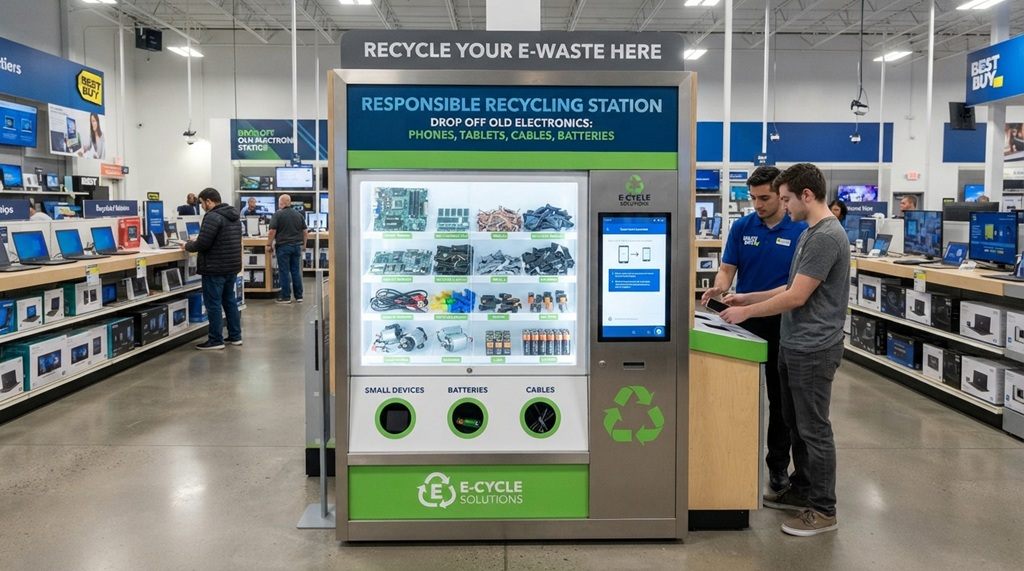
Big-box electronics retailers frequently have in-store recycling bins. Best Buy, Staples, and similar stores often accept small electronics like phones, cables, and batteries year-round. Check with your local store first, since accepted items can vary by location.
Certified E-Waste Recyclers
Look for recyclers certified under R2 (Responsible Recycling) or e-Stewards standards. These certifications mean the recycler follows strict environmental and data-security practices. A quick search for “certified e-waste recycler near me” will usually turn up several nearby options.
Community Collection Events
Many cities and towns host periodic e-waste collection days. These are often free and accept a wide range of devices, including larger items like old TVs and printers. Check your city or county government website for upcoming dates.
What Actually Happens to Recycled Electronics
Understanding the recycling process helps you trust that your old devices go somewhere useful. Certified recyclers follow a multi-step process designed to recover materials safely.
First, technicians sort devices by type and material. Next, they disassemble items to separate metals, plastics, and glass. Hazardous components, like batteries and mercury-containing parts, get removed and handled separately under strict safety protocols. Finally, the recovered materials go back into manufacturing supply chains as raw materials for new products.
This is different from simply “throwing it away.” A responsible recycler treats your old laptop as raw material, not garbage.
An Overlooked Option: Donate or Repair Before You Recycle
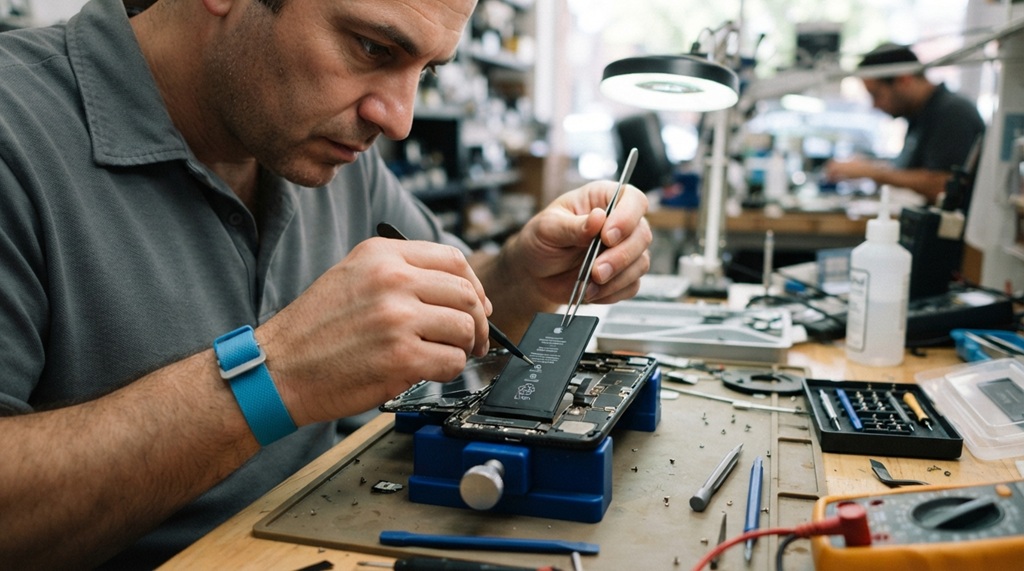
Recycling isn’t always the first or best step sometimes a working device deserves a second life instead. Before you recycle a device that still works, consider whether it could serve someone else first. Many local schools, shelters, and nonprofits accept working laptops and phones. Some organizations even refurbish older devices for people who can’t afford new ones.
This matters because recycling, even when done responsibly, still uses energy and resources. Extending a device’s usable life through donation or repair is often the more sustainable choice. Repair cafes and independent repair shops have also grown more common, making it easier to fix a cracked screen or replace a battery instead of replacing the whole device.
Before donating, always double-check that you’ve wiped your data completely, using the same steps outlined earlier in this guide.
Common Mistakes People Make When Recycling Electronics
Small mistakes can undo your good intentions, so it helps to know what to avoid. Here are the most frequent ones:
- Skipping the data wipe. This is the biggest risk. Old devices can hold years of personal information.
- Using an uncertified recycler. Some “recyclers” simply export devices overseas, where they get dismantled unsafely.
- Tossing batteries in the trash. Batteries are a common cause of waste-facility fires.
- Forgetting small electronics. Cables, chargers, and old remotes count as e-waste too.
- Assuming curbside pickup accepts electronics. Most standard recycling bins do not accept e-waste.
Frequently Asked Questions
Is it illegal to throw away old electronics?
In many places, yes. A growing number of states and countries have banned electronics from regular trash due to their hazardous materials. Check your local waste management rules to confirm what applies in your area.
Can I recycle a broken phone or laptop?
Yes, broken devices are still recyclable. Certified recyclers can extract usable materials even from devices that no longer power on, so there’s no need for a device to work in order to recycle it.
Do I get paid for recycling old electronics?
Sometimes. Trade-in programs and some retailers offer store credit or cash for devices in working condition. Devices that are broken or outdated usually get recycled for free rather than for payment.
How do I make sure my personal data is really gone?
Back up your files, sign out of all accounts, and perform a full factory reset before recycling. For extra security, use a dedicated data-erasure tool, especially for devices that once held sensitive financial or personal information.
What electronics can’t be recycled through normal e-waste programs?
Most standard devices are accepted, but some items, like smoke detectors or certain medical devices, need special handling due to radioactive or biohazard components. When in doubt, contact your local recycler and ask before dropping off an unusual item.
Conclusion
Recycling old electronics safely comes down to three steps: wipe your data, choose a certified recycler, and never toss devices in regular trash. Whether you use a manufacturer program, a retailer drop-off bin, or a community collection event, the goal stays the same keep hazardous materials out of landfills and valuable metals in circulation.
Before you recycle, it’s also worth asking if the device could help someone else first. A quick donation can extend a product’s life and reduce overall waste. Either way, taking a few extra minutes to dispose of your old tech responsibly makes a real difference, one device at a time.

Leave a Reply