
Latest blog
Updates, ideas and resources from the site.
-
How to Future-Proof Your Home Audio System for 2026

You future-proof your home audio system by focusing on three things: flexible connectivity (Wi-Fi 7 and Bluetooth LE Audio), modular hardware you can upgrade in pieces, and software-driven features like spatial audio. You don’t need to replace everything at once. A few smart choices now will save you from another costly overhaul in two years.
-
How to Check Your Devices for Cybersecurity Vulnerabilities

Checking your devices for cybersecurity vulnerabilities means scanning them for outdated software, weak settings, or hidden malware that attackers could exploit. You can do this yourself in under 30 minutes using built-in tools on your phone or computer, plus a few free scanners. This guide walks you through the exact steps for phones, computers, and…
-
How to Choose the Right Smart Speaker for Your Smart Home
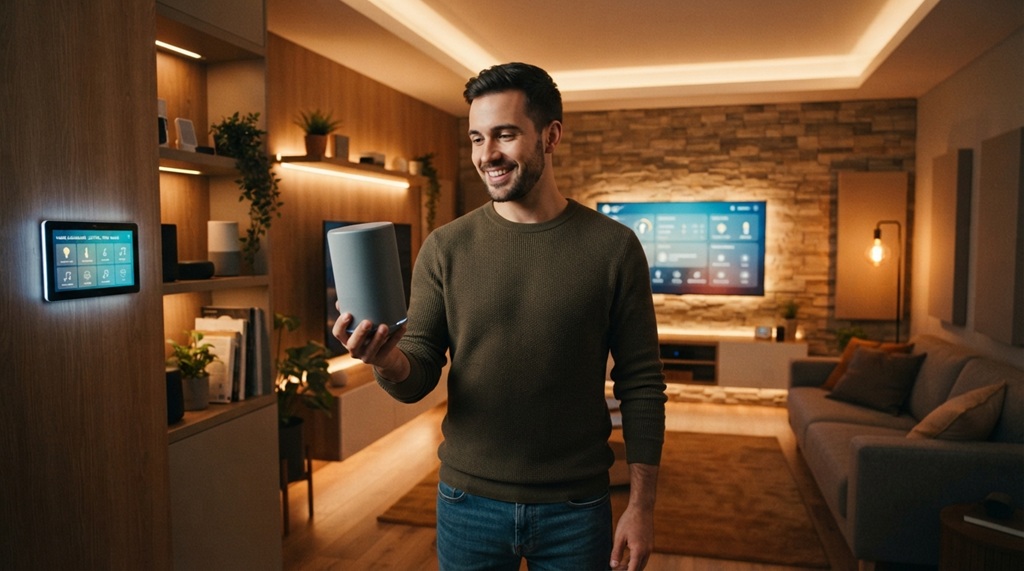
Choosing the right smart speaker comes down to three things: your existing smart home devices, your preferred voice assistant, and how you plan to use the speaker daily. Get these three factors right, and everything else falls into place. Get them wrong, and you’ll end up with a speaker that fights your other devices instead…
-
How to Set Up Retro Tech Gear and Vintage Audio Players
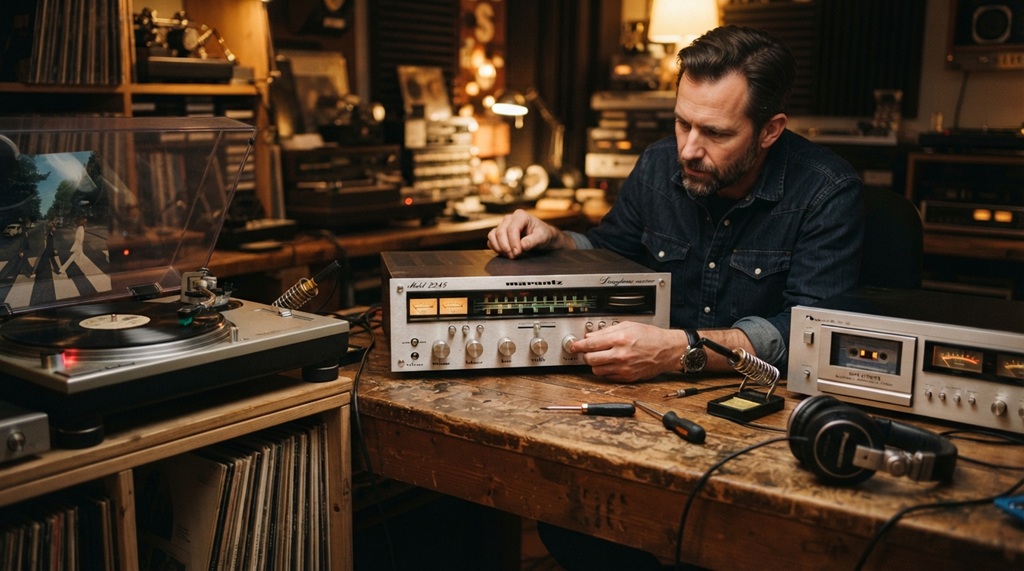
Setting up retro tech gear and vintage audio players starts with three basics: check the condition, match the right cables, and test the power source safely. Skip any of these steps, and you risk damaging equipment that often can’t be replaced. This guide walks you through the full setup process, from unboxing an old turntable…
-
How to Stream Hi-Res Audio on Any Modern Home Speaker
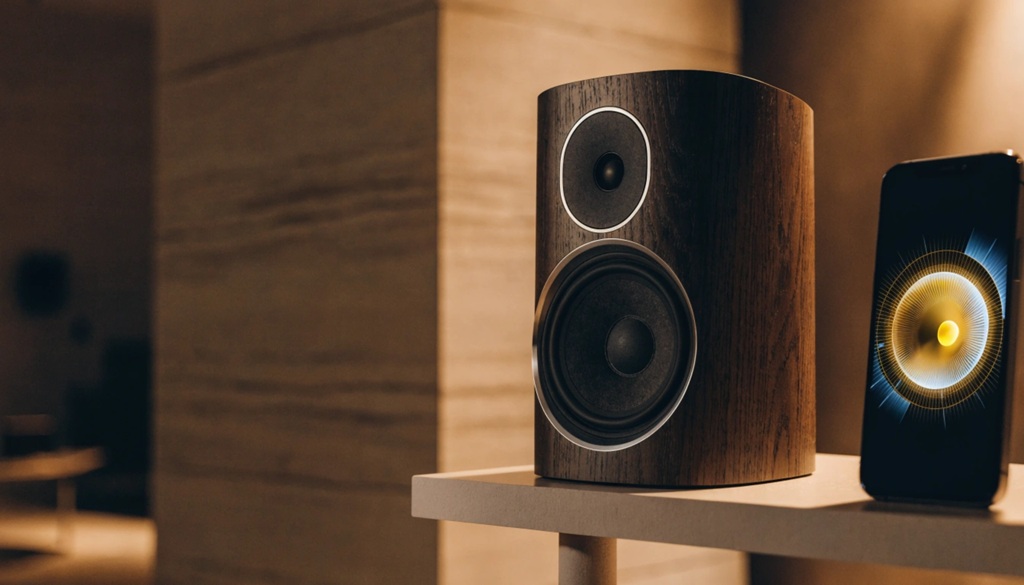
You can stream hi-res audio on almost any modern home speaker. You just need three things: a hi-res source, a compatible app, and a speaker that supports high-bitrate playback. Most people already own two of the three and don’t know it.
-
How to Protect Digital Privacy From Hidden Smart Trackers

Hidden smart trackers collect your data in ways you rarely notice. They hide inside apps, smart devices, browsers, and even public Wi-Fi networks. You can protect your digital privacy by adjusting device settings, using privacy tools, and building a few daily habits that block tracking at the source.
-
How to Evaluate New Gadget Tech Before You Buy
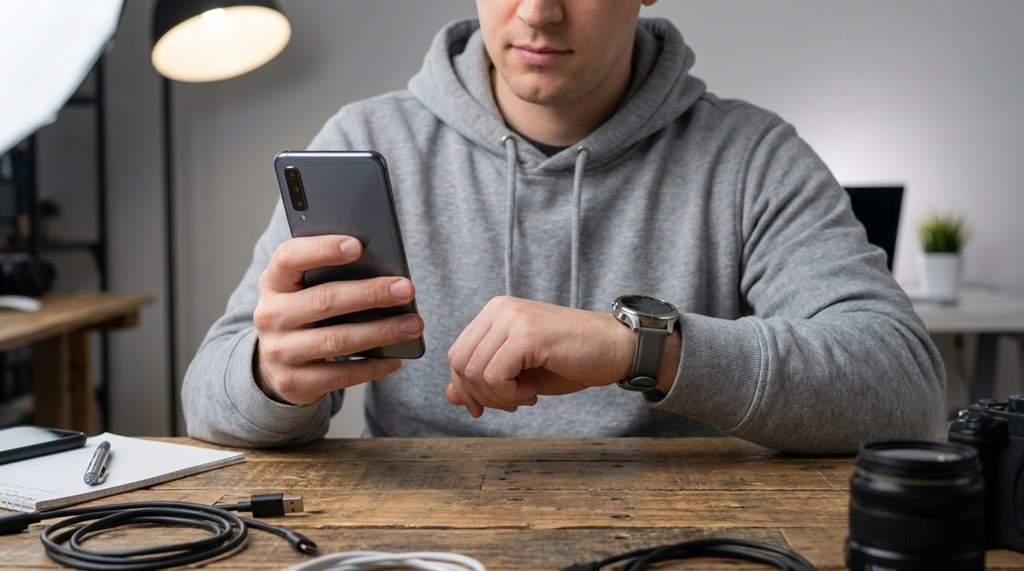
New gadgets flood the market every week, and most of them don’t deserve your money. To evaluate new gadget tech properly, check five things first: real-world reviews, actual specs versus marketing claims, software support, return policy, and whether the gadget solves a problem you actually have.
-
How to Upgrade Your Home Network for Maximum Speed
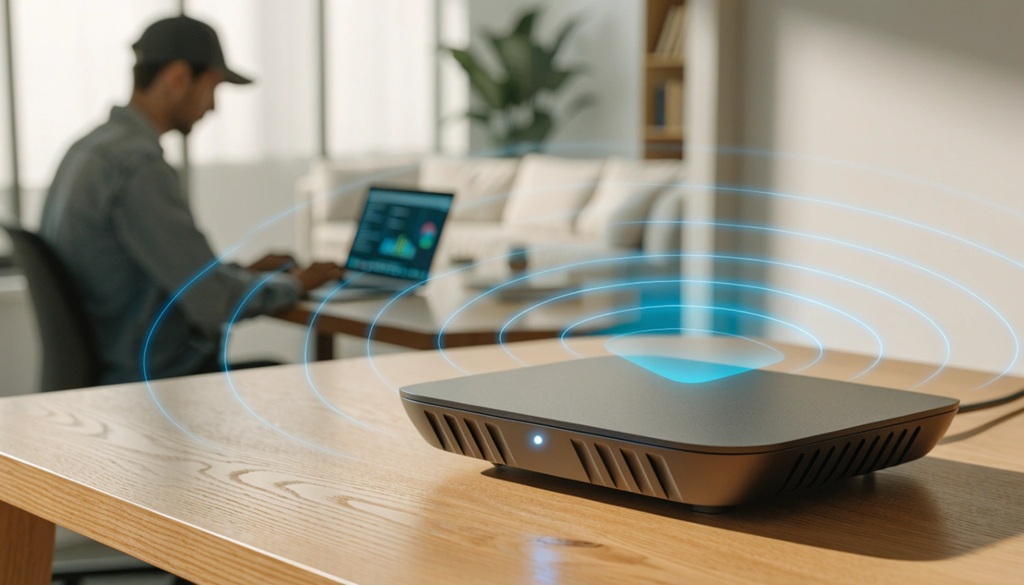
You can upgrade your home network for maximum speed by testing your current setup, replacing outdated hardware, and placing your equipment correctly. Most slow home networks aren’t caused by a bad internet plan. They’re caused by old routers, weak signals, and poor placement.
-
How to Secure Smart Home Devices From Hackers
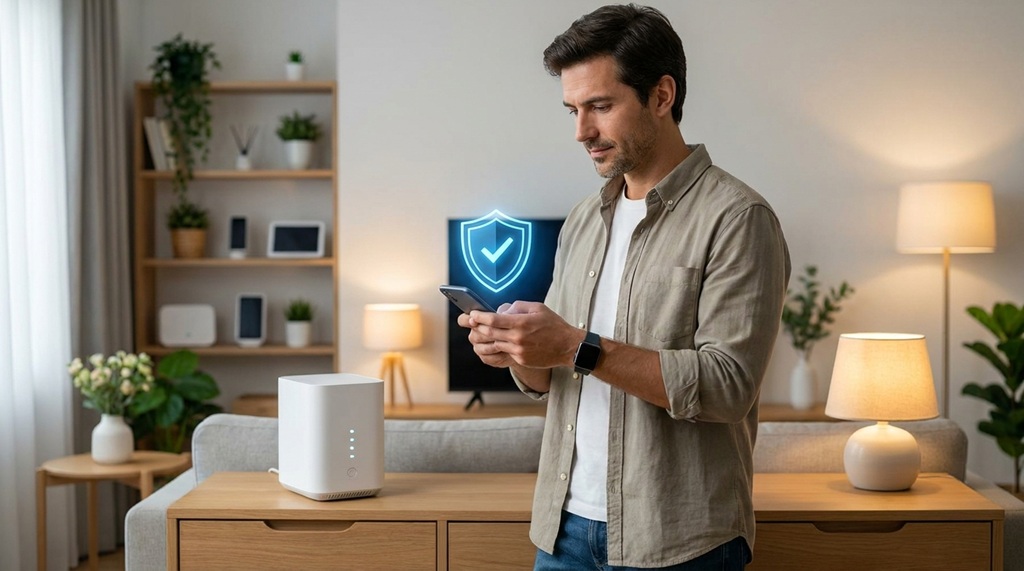
Hackers target smart home devices because most owners never change the default settings. You can close that gap today. Update your router, set strong passwords, isolate your devices, and turn on two-factor authentication. These four moves block most attacks.
-
How to Track New Tech Trends Before They Go Mainstream

You spot new tech trends early by watching where builders talk before marketers do. That means developer forums, patent filings, niche newsletters, and early-adopter communities not headline news. By the time a trend hits mainstream media, the advantage is already gone.
Recent Posts
- How to Future-Proof Your Home Audio System for 2026
- How to Check Your Devices for Cybersecurity Vulnerabilities
- How to Choose the Right Smart Speaker for Your Smart Home
- How to Set Up Retro Tech Gear and Vintage Audio Players
- How to Stream Hi-Res Audio on Any Modern Home Speaker